
An appealing menu is only the start. A few details about source, serving and configuration can make your next order much easier to understand.
First, find out what the number measures
A calorie figure can describe a standard item, a whole meal, a range of sizes, an ingredient portion or an amount per 100g. Those bases are different. Read the product name and serving text before using a number in a comparison. A detailed label is often doing more work than the largest figure on the page.
Suppose a table lists an ingredient separately from a bowl format. The ingredient number describes that portion alone. It should not be copied as the total for a meal that also includes a base, toppings or sauce. The same distinction matters for a sandwich and a combo.
Keep the serving with the value
When you note a calorie value, record the size or portion alongside it. A dessert category that gives a range may represent several sizes. Without selecting one, the range cannot tell you precisely what a medium serving contains. Follow the official product choices for the version you want.
For a bakery item, check whether the source provides the amount per portion or per 100g. If those quantities are different, the figures are not interchangeable. The label is there to identify the reference serving, not to make every product look like an identical portion.
Custom orders need custom totals
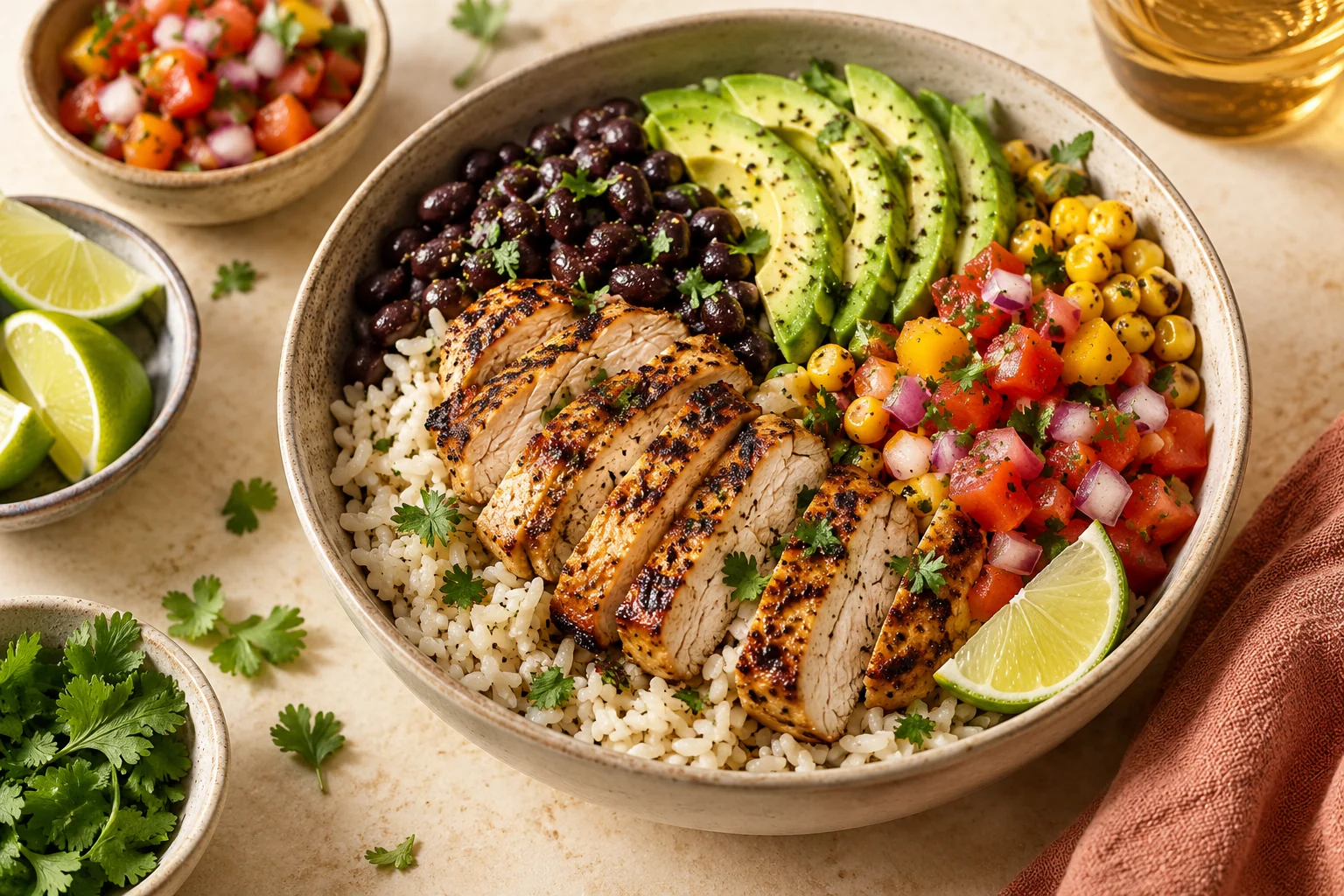
A customisable bowl or burrito begins with a format and becomes a particular meal through the ingredients you choose. Use the restaurant’s official calculator when available, and include the selected protein, base and toppings. A different format or extra ingredient can create a different total.
Compare two configurations using the same assumptions. Do not place a protein-only figure next to a complete meal figure and interpret the difference as a meaningful menu comparison. Make the included components explicit so the reader can understand what changed.
Standard values are references
A published value normally describes a reference formulation and serving. It is not a direct measurement of the exact portion a particular restaurant will hand you. Preparation, portioning or recipe changes can affect the product. Use current official information when you need the fullest available detail.
MenuBye links the selected figures to their sources and dates, and leaves unverified entries unquoted. That gives readers a way to check the formulation themselves. A guide should help navigate information rather than conceal the limits of a snapshot.
Calories do not answer every food question
If you need to understand ingredients, allergens or another part of the nutrition profile, open the official product information. A short menu description is not a complete ingredient list. A preference label is also not a guarantee about an individual kitchen’s preparation conditions.
Use the restaurant’s information and explain any dietary requirement to staff. If your choices are part of a medically prescribed diet, consult an appropriately qualified professional. This article explains how to read a label; it does not recommend a diet or label a meal suitable for a medical condition.
A better way to use a menu table
Read each row as a complete piece of information: item, country, serving basis, value and source. When one of those pieces is missing, follow the official link before carrying the figure into a decision. Ask the restaurant if your own version differs from the standard listing.
The goal is clarity. You should be able to tell whether you are reading about an adult dish, a children’s portion, one pastry, a box or one ingredient. Once that is clear, the numbers become easier to use without making assumptions the menu does not support.
Explore our restaurant menu guides for source-linked examples. Food imagery in this article is generic editorial imagery, not a photograph of a specific branded menu item.